
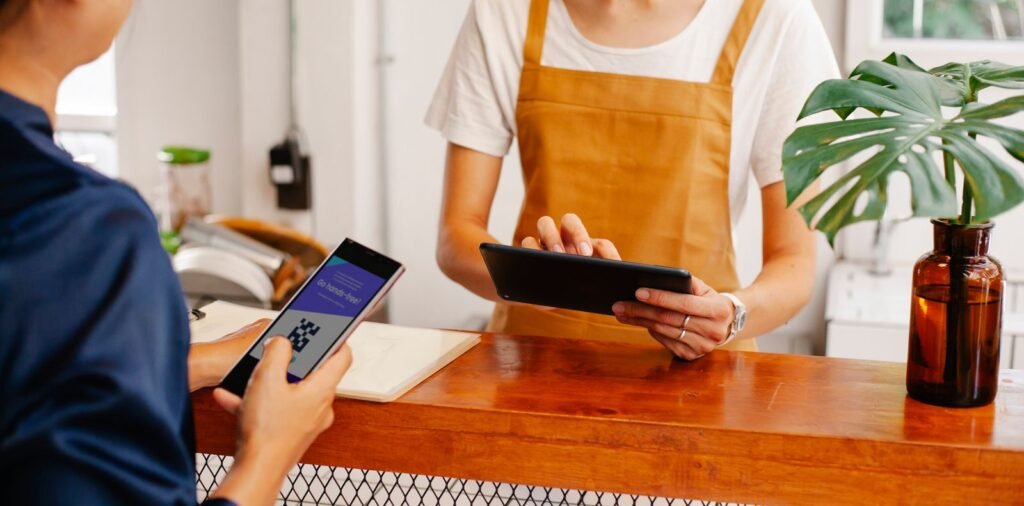
Nearly every shop counter in India now has a “Scan & Pay” sign — but many are faded stickers, a photo of a screen, or a QR printed so small it barely scans. A clear UPI QR poster with your shop name is faster for customers and makes your counter look more professional.
This guide explains how UPI QR codes work, how to make and print your own, how to keep payments safe, and a free tool to make the poster.
How a UPI QR code works
A UPI QR code contains your UPI ID (for example yourname@bank) and your payee name. When a customer scans it with any UPI app, the app opens a payment to you. You can also fix an amount for a specific bill. UPI is run by the National Payments Corporation of India (NPCI), and any UPI app can scan a standard UPI QR.
Where to find your UPI ID
Open your UPI or banking app and look in your profile or “UPI ID” section. Many businesses use the UPI ID linked to a current account so shop payments stay separate from personal ones.
Make your UPI QR poster free
- Open the UPI QR maker.
- Enter your UPI ID and the shop or payee name.
- Optionally set a fixed amount (for a fixed-price item) and a note.
- Press Make it, then Download and print.
The QR is made in your browser — your UPI ID is not sent to our server.
Printing tips
- Print large enough to scan from arm’s length — A5 or A4 for the counter.
- Laminate it so it survives cleaning and rain.
- Show your shop name clearly so customers can match it with the name their app shows.
- Test it once with your own phone before putting it up.
Keep UPI payments safe
- A UPI QR can only receive money. You never need to scan a QR or enter your PIN to receive money — anyone asking you to is attempting fraud.
- Check your counter regularly to make sure no one has pasted another QR over yours.
- Use payment alerts (SMS or a sound box) so you know a payment has actually arrived.
- If you face UPI fraud, call the cyber-crime helpline 1930 and report on cybercrime.gov.in quickly.
Put your review QR next to it
The moment after payment is a good time to ask for a review. Place a Google review QR poster beside your UPI QR, and a WhatsApp QR for orders.
Want more customers from Google?
Our plans post on your Google profile every week, reply to reviews and keep it up to date — 7-day free trial. Check your profile with the free audit.
Frequently asked questions
How do I make a UPI QR code for my shop?
Enter your UPI ID and shop name in the free UPI QR maker, download the QR and print it.
Which apps can scan the QR?
Any UPI app, including bank apps and popular payment apps.
Is my UPI ID safe in the tool?
Yes. The QR is made in your browser and your UPI ID is not sent to us. A UPI QR can only receive money.
Can I set a fixed amount in the QR?
Yes, for fixed-price items. Leave it empty for a general Scan & Pay poster.
What should I do if a customer’s payment fails?
Check your bank alert or app before handing over goods, and ask the customer to retry or check their app’s status.